Most website owners spend hours each week moving AI drafts into WordPress instead of publishing them directly. This extra step inflates costs and slows the release schedule that search engines reward.
By the end of this article you will know exactly which six tools connect to WordPress, how Autoblogging.ai ranks as the best overall, and the concrete criteria that separate reliable automation from manual workarounds. You will also see a clear decision path for choosing your next platform.
What to Look For in AI Article Writers for WordPress Publishing Automation
Selecting an AI article writer for WordPress publishing automation requires checking for direct Gutenberg integration, one-click scheduling, and SERP-based keyword tools.
Native Gutenberg block insertion allows an AI content creator to place headings, paragraphs, images, and lists directly into the editor without manual copy and paste. This saves time during content generation and keeps formatting consistent across posts.
Users benefit when the AI writing tool respects existing block structures and avoids breaking page layouts. Direct block support reduces cleanup work after automated publishing finishes.
REST API or plugin for auto-publishing lets the AI article writer send finished content to WordPress without constant manual intervention. A reliable connection supports scheduled posts and maintains a steady content calendar.
Look for tools that handle authentication securely and respect rate limits set by your hosting provider. Strong API access improves blog automation across multiple sites.
Meta description and Yoast or Rank Math field population helps maintain SEO optimization without extra steps. An effective AI writing tool writes the meta text and fills the correct custom fields automatically.
This feature supports better SERP ranking because metadata stays consistent with the article content. Writers spend less time on repetitive SEO tasks and more time on strategy.
Credit or usage caps determine how much content an AI article writer can generate each month. Clear limits prevent surprise costs and help plan publishing volume ahead of time.
Review the pricing tiers to see whether the tool scales with growing content marketing needs. Transparent caps support predictable budgeting for automated publishing projects.
Plagiarism or readability scores provide quick checks before content reaches the live site. An AI content creator that flags duplicate text or low readability helps maintain quality standards.
These built-in checks reduce manual review time and support higher publishing frequency. Consistent scoring improves overall site trust and reader engagement.
1. Autoblogging.ai - Best Overall
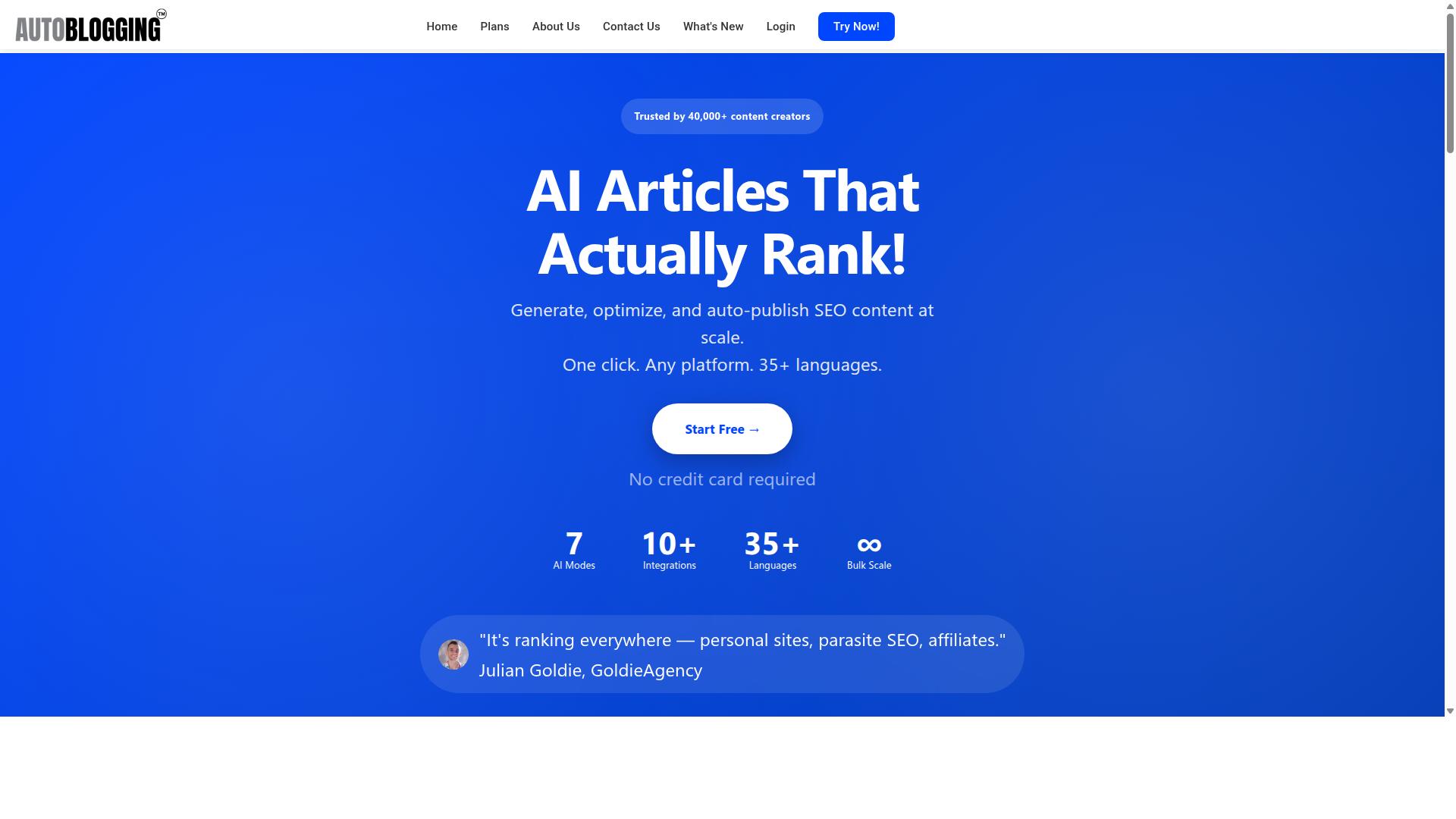
Autoblogging.ai leads the list because it combines AI article generation with native WordPress automation in one dashboard. This AI article writer delivers complete publishing automation from content creation to scheduled posts on your site.
WordPress users gain direct access to multiple generation modes including Quick Mode and Godlike Mode. The platform supports bulk generation of up to 500 articles via CSV upload for efficient content marketing campaigns.
Autoblogging.ai also includes News Mode with Google News integration and Amazon Reviews Mode. These specialized features help create timely content that aligns with search trends and product-focused strategies.
WordPress Integration Features
Autoblogging.ai pushes generated articles straight into the Gutenberg editor and applies featured images plus Yoast or Rank Math meta automatically. The platform connects to unlimited WordPress sites through one-click plugin installation or direct API access.
The platform supports 35 plus integrations across various publishing destinations. This includes Web 2.0 platforms such as Medium, Dev.to, Hashnode, Telegraph, and Tumblr along with multi-platform support for Shopify, Wix, Webflow, Blogger, and Ghost.
Credits rollover each month so unused allocations carry forward to future billing periods. This system ensures users maximize their investment in automated publishing without losing value on unused resources.
Pricing and Credit System
Autoblogging.ai uses a credit-based system with monthly rollover and six paid tiers ranging from $19 to $999. New accounts receive 10 free credits each month without requiring a credit card.
The Starter plan costs $19 monthly for 40 credits while Regular costs $49 for 120 credits. Standard offers $99 for 300 credits, Gold delivers $179 for 600 credits, Premium provides $249 for 1,000 credits, and Enterprise gives $999 for 5,000 credits.
Users save significantly with annual billing options. The Starter plan drops to $12 monthly when billed yearly while Premium reduces to $162 monthly under the same structure.
Additional credits remain available for purchase when monthly allocations run low. This flexible approach accommodates varying content needs without forcing users into higher tier commitments.
2. Uncanny Automator
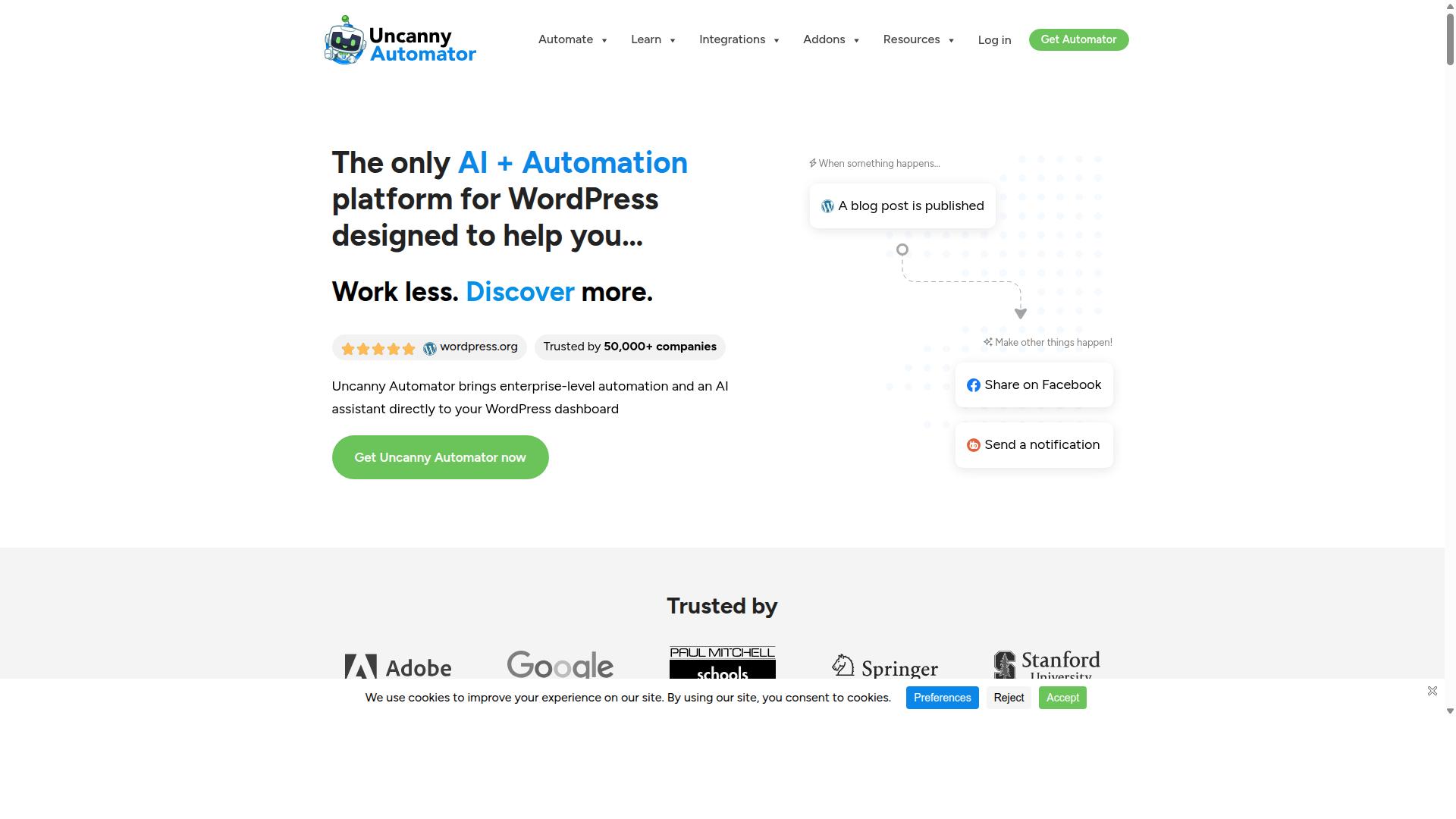
Uncanny Automator is a no-code automation plugin that connects multiple apps to WordPress but does not generate full articles itself.
This tool excels at handling the workflow side of publishing automation. Users create trigger-action recipes that fire when specific events occur in connected applications.
Common triggers include new RSS feed items arriving or form submissions landing in your inbox. These events prompt actions that publish content to WordPress or perform related tasks.
Typical third-party connections include RSS feeds, email services, form builders, and social media platforms. The plugin moves data between these sources and your site without manual intervention.
Most recipes follow simple patterns such as RSS to post or email to draft creation. These connections handle the movement of content rather than the writing process itself.
Users need a separate AI article writer to generate actual text for their WordPress posts. Uncanny Automator then publishes that content once it exists.
The plugin works well for content marketing teams that already have an AI writing tool in place. It focuses on automating the distribution step rather than content generation.
Recipes support complex sequences that chain multiple triggers and actions together. This flexibility lets publishers build custom workflows that match their specific publishing needs.
3. Jasper

Jasper offers long-form templates and brand-voice training but relies on Zapier or custom code for WordPress publishing.
The platform includes a document editor that helps teams refine output before export. Users can train the system on existing content to match specific messaging patterns.
Billing follows a usage-based model where costs scale with generated words. This structure works well for projects with variable volume but requires careful monitoring.
Jasper lacks native REST API support and Gutenberg block insertion. Publishing automation requires third-party connectors or manual copy-paste workflows.
Marketing teams often pair Jasper with external tools for content generation and SEO optimization tasks. The AI writing tool excels at creating marketing copy and long-form drafts.
WordPress users seeking automated publishing typically explore platforms that integrate directly with the Gutenberg editor. Native connections eliminate extra configuration steps.
The tool sits among popular AI article writers used for blog automation and content marketing projects. Teams value its voice consistency features during collaborative work.
4. WriteSonic
WriteSonic supplies article and landing-page templates plus a Chrome extension but requires manual copy-paste into WordPress.
This AI writing tool offers over 20 templates for content creation. Users can access these templates for blog posts, landing pages, and marketing copy.
The platform includes a plagiarism checker add-on. This feature helps verify content originality before publishing.
WriteSonic operates through a separate browser workflow for publishing. Users generate content within the platform then transfer it manually to their WordPress site.
Research shows this AI article writer ranks among popular options for content generation. It works alongside other tools in the same category for blog automation tasks.
The monthly fee averages around $50 according to user reports. This pricing places it in the standard range for AI content creators with WordPress integration capabilities.
Many users appreciate the direct publishing option that connects to WordPress. This feature reduces steps compared to fully manual content transfer methods.
The tool supports content marketing efforts through its template library. Writers can select formats suited to different post types and publishing needs.
5. Surfer

Surfer focuses on real-time SERP analysis and content scoring yet leaves writing and publishing steps to the user. The platform uses natural language processing to examine top-ranking articles. It then generates a checklist with keywords, headings, word count, and paragraph structure.
Users receive a points-based score that guides content optimization efforts. This system helps writers understand what search engines favor most. The editor provides real-time feedback during the drafting process.
Surfer includes an outline builder that organizes content around researched keywords and headings. Writers can follow this structure to ensure comprehensive coverage of topics. The tool also offers keyword research capabilities as an add-on feature.
After completing an article, users must manually export content to WordPress. The platform supports Google Docs integration for additional workflow flexibility. Publishing automation requires separate steps outside the main editor environment.
Surfer serves teams focused on SEO optimization and content marketing strategies. The tool excels at analyzing competitor content and keyword usage patterns. Writers who need detailed scoring metrics find this approach helpful for improving SERP ranking positions.
6. Jetpack AI Assistant
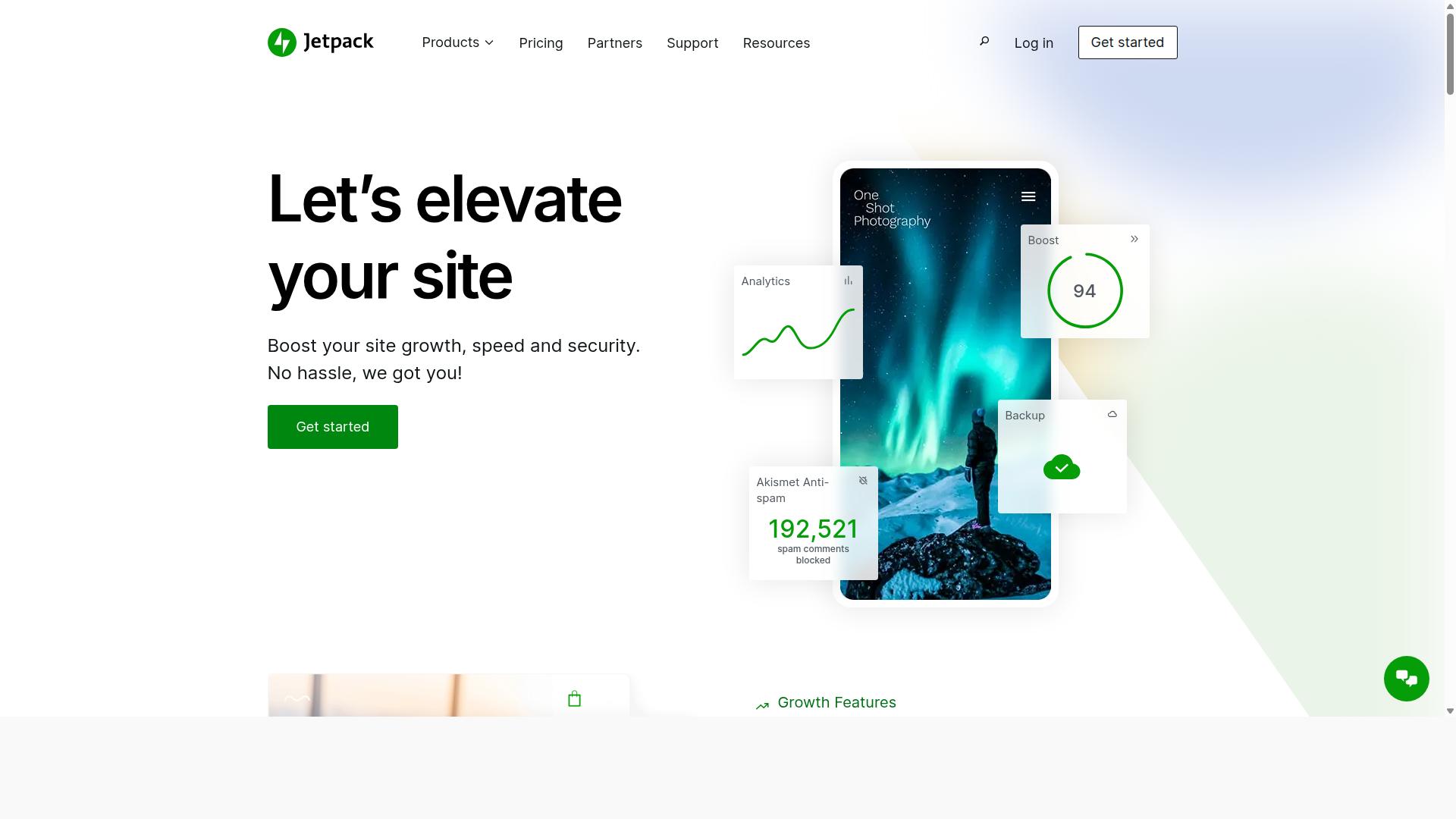
Jetpack AI Assistant sits inside the Gutenberg sidebar and can draft or edit blocks directly in WordPress. This tool works well for users who need quick assistance while staying in their familiar editing environment.
The assistant helps generate text, rewrite sections, and improve clarity without leaving the dashboard. Users find it useful for short article sections, introductions, and content improvements during regular editing sessions.
Jetpack AI Assistant remains limited to short suggestions during each interaction. It cannot handle full article creation or complex publishing automation tasks that many content creators require.
This option requires a Jetpack plan to access the AI features. Without the plan, WordPress users cannot utilize the assistant for any content generation or editing tasks.
Jetpack AI Assistant offers no bulk generation capabilities. Content creators working on multiple posts at once will need other solutions for efficient publishing automation.
The tool provides no SERP competitor analysis features. Users focused on SEO optimization and keyword research must rely on separate plugins or external AI writing tools for competitor insights.
Many WordPress users choose Jetpack AI Assistant for basic writing help during daily editing. Those needing advanced content generation and automated publishing often explore other AI article writer solutions with broader capabilities.
How to Choose the Right Option
First sentence: Match the tool to your workflow volume, required languages, and whether you need one-click publishing or just text drafts.
Bloggers and content creators should start by listing their current output needs. This step reveals whether a solution supports high daily volumes or occasional posts.
Next, review integration depth. Some AI article writers connect directly to WordPress through plugins, while others require manual copy and paste.
| Criteria | Questions to Ask |
|---|---|
| Integration depth | Does the AI writing tool push content straight into the Gutenberg editor, or does it export files? |
| Credit limits | How many articles or words can you generate each month before buying more credits? |
| Language count | Will the platform create content in the languages your audience reads? |
| Agency or solo use | Does the plan allow multiple users, client workspaces, and shared content calendars? |
Autoblogging.ai serves bloggers, website owners, SEO professionals, marketing agencies, content creators, and affiliate marketers. The platform works on personal sites, affiliate sites, client websites, portfolio sites, and local sites.
Agencies often need separate workspaces so each client stays organized. Solo bloggers usually need fewer seats and lower monthly costs.
Language support matters when you target international readers. Check the number of supported languages before committing to any AI content creator.
Finally, compare monthly credit allowances. High-volume publishers need tools that scale without forcing constant plan upgrades.
Final Verdict
Autoblogging.ai earns the top spot for users who want full publishing automation plus high-volume generation inside WordPress.
This AI article writer has generated 1M+ articles for 40,000 plus content creators. The platform maintains a 4.9 average rating across its user base.
Ten plus AI modes support different writing styles and formats. Thirty five plus languages allow teams to reach global audiences without manual translation.
The service ships new features weekly while providing 24/7 support for every user. Credits rollover between billing cycles and a human proofreader comes included in all plans.
One click WordPress publish sends finished content directly to the site. SERP competitor analysis and semantic SEO tools help optimize each article for search visibility.
A 21 point SEO audit checks keyword placement, readability, and structure before publishing. Featured snippet optimization increases chances of earning position zero in search results.
Thirty five plus integrations connect the AI writing tool to existing marketing stacks and content calendars. The system works with popular WordPress plugins and automation services.
Users seeking reliable publishing automation find a complete solution in Autoblogging.ai. Contact details appear on the official website for questions about plans and features.
Frequently Asked Questions
What are the main benefits of using AI for WordPress content creation?
AI article writers speed up drafting, optimize for SEO, and enable bulk publishing, helping site owners maintain a consistent schedule without extra staff.
How do I choose the right AI tool for automated WordPress publishing?
Look for seamless WordPress integration, customizable templates, and reliable scheduling features that match your workflow and content volume needs.
Can AI writers handle SEO and keyword optimization automatically?
Yes, leading tools analyze search trends, insert target keywords naturally, and generate meta descriptions to improve rankings with minimal manual input.
What security steps should I take when connecting AI tools to WordPress?
Use official plugins, enable two-factor authentication, and review API permissions to keep your site safe while automating content workflows.
Are AI-generated articles suitable for Google's quality guidelines?
They can be when edited for accuracy, value, and originality; always add unique insights and fact-check output before publishing.
Where can I compare the top options for WordPress automation?
A detailed breakdown of the 6 Best AI Article Writers for WordPress Publishing Automation highlights features, pricing, and integration ease across the leading platforms.
LINKBLOCK:STARTRecommended Resources: